

Create a new TanStack Start app
Use the interactive CLI to create a new TanStack Start app.
terminal
bunx @tanstack/cli create my-tanstack-app
Start the dev server
Change to the project directory and run the dev server with Bun.This starts the Vite dev server with Bun.
terminal
cd my-tanstack-app
bun --bun run dev
Update scripts in package.json
Modify the scripts field in your
package.json by prefixing the Vite CLI commands with bun --bun. This ensures that Bun executes the Vite CLI for common tasks like dev, build, and preview.package.json
{
  "scripts": {
    "dev": "bun --bun vite dev",
    "build": "bun --bun vite build",
    "serve": "bun --bun vite preview"
  }
}
Hosting
To host your TanStack Start app, you can use Nitro or a custom Bun server for production deployments.- Nitro
- Custom Server
Add Nitro to your project
Add Nitro to your project. This tool allows you to deploy your TanStack Start app to different platforms.
terminal
bun add nitro
Update your vite.config.ts file
Update your  vite.config.ts
vite.config.ts file to include the necessary plugins for TanStack Start with Bun.vite.config.ts// other imports...
import { nitro } from "nitro/vite";
const config = defineConfig({
plugins: [
tanstackStart(),
nitro({ preset: "bun" }),
// other plugins...
],
});
export default config;
The
bun preset is optional, but it configures the build output specifically for Bun’s runtime.Update the start command
Make sure
build and start scripts are present in your package.json file:package.json
  {
    "scripts": {
      "build": "bun --bun vite build",
      // The .output files are created by Nitro when you run `bun run build`.
      // Not necessary when deploying to Vercel.
      "start": "bun run .output/server/index.mjs"
    }
  }
You do not need the custom
start script when deploying to Vercel.Deploy your app
Check out one of our guides to deploy your app to a hosting provider.
When deploying to Vercel, you can either add the vite.config.ts
"bunVersion": "1.x" to your vercel.json file, or add it to the nitro config in your vite.config.ts file:Do not use the
bun Nitro preset when deploying to Vercel.vite.config.tsexport default defineConfig({
plugins: [
tanstackStart(),
nitro({
preset: "bun",
vercel: {
functions: {
runtime: "bun1.x",
},
},
}),
],
});
This custom server implementation is based on TanStack’s Bun template. It provides fine-grained control over static asset serving, including configurable memory management that preloads small files into memory for fast serving while serving larger files on-demand. This approach is useful when you need precise control over resource usage and asset loading behavior in production deployments.
Create the production server
Create a server.ts
server.ts file in your project root with the following custom server implementation:server.ts/**
* TanStack Start Production Server with Bun
*
* A high-performance production server for TanStack Start applications that
* implements intelligent static asset loading with configurable memory management.
*
* Features:
* - Hybrid loading strategy (preload small files, serve large files on-demand)
* - Configurable file filtering with include/exclude patterns
* - Memory-efficient response generation
* - Production-ready caching headers
*
* Environment Variables:
*
* PORT (number)
* - Server port number
* - Default: 3000
*
* ASSET_PRELOAD_MAX_SIZE (number)
* - Maximum file size in bytes to preload into memory
* - Files larger than this will be served on-demand from disk
* - Default: 5242880 (5MB)
* - Example: ASSET_PRELOAD_MAX_SIZE=5242880 (5MB)
*
* ASSET_PRELOAD_INCLUDE_PATTERNS (string)
* - Comma-separated list of glob patterns for files to include
* - If specified, only matching files are eligible for preloading
* - Patterns are matched against filenames only, not full paths
* - Example: ASSET_PRELOAD_INCLUDE_PATTERNS="*.js,*.css,*.woff2"
*
* ASSET_PRELOAD_EXCLUDE_PATTERNS (string)
* - Comma-separated list of glob patterns for files to exclude
* - Applied after include patterns
* - Patterns are matched against filenames only, not full paths
* - Example: ASSET_PRELOAD_EXCLUDE_PATTERNS="*.map,*.txt"
*
* ASSET_PRELOAD_VERBOSE_LOGGING (boolean)
* - Enable detailed logging of loaded and skipped files
* - Default: false
* - Set to "true" to enable verbose output
*
* ASSET_PRELOAD_ENABLE_ETAG (boolean)
* - Enable ETag generation for preloaded assets
* - Default: true
* - Set to "false" to disable ETag support
*
* ASSET_PRELOAD_ENABLE_GZIP (boolean)
* - Enable Gzip compression for eligible assets
* - Default: true
* - Set to "false" to disable Gzip compression
*
* ASSET_PRELOAD_GZIP_MIN_SIZE (number)
* - Minimum file size in bytes required for Gzip compression
* - Files smaller than this will not be compressed
* - Default: 1024 (1KB)
*
* ASSET_PRELOAD_GZIP_MIME_TYPES (string)
* - Comma-separated list of MIME types eligible for Gzip compression
* - Supports partial matching for types ending with "/"
* - Default: text/,application/javascript,application/json,application/xml,image/svg+xml
*
* Usage:
* bun run server.ts
*/
import path from 'node:path'
// Configuration
const SERVER_PORT = Number(process.env.PORT ?? 3000)
const CLIENT_DIRECTORY = './dist/client'
const SERVER_ENTRY_POINT = './dist/server/server.js'
// Logging utilities for professional output
const log = {
info: (message: string) => {
console.log(`[INFO] ${message}`)
},
success: (message: string) => {
console.log(`[SUCCESS] ${message}`)
},
warning: (message: string) => {
console.log(`[WARNING] ${message}`)
},
error: (message: string) => {
console.log(`[ERROR] ${message}`)
},
header: (message: string) => {
console.log(`\n${message}\n`)
},
}
// Preloading configuration from environment variables
const MAX_PRELOAD_BYTES = Number(
process.env.ASSET_PRELOAD_MAX_SIZE ?? 5 * 1024 * 1024, // 5MB default
)
// Parse comma-separated include patterns (no defaults)
const INCLUDE_PATTERNS = (process.env.ASSET_PRELOAD_INCLUDE_PATTERNS ?? '')
.split(',')
.map((s) => s.trim())
.filter(Boolean)
.map((pattern: string) => convertGlobToRegExp(pattern))
// Parse comma-separated exclude patterns (no defaults)
const EXCLUDE_PATTERNS = (process.env.ASSET_PRELOAD_EXCLUDE_PATTERNS ?? '')
.split(',')
.map((s) => s.trim())
.filter(Boolean)
.map((pattern: string) => convertGlobToRegExp(pattern))
// Verbose logging flag
const VERBOSE = process.env.ASSET_PRELOAD_VERBOSE_LOGGING === 'true'
// Optional ETag feature
const ENABLE_ETAG = (process.env.ASSET_PRELOAD_ENABLE_ETAG ?? 'true') === 'true'
// Optional Gzip feature
const ENABLE_GZIP = (process.env.ASSET_PRELOAD_ENABLE_GZIP ?? 'true') === 'true'
const GZIP_MIN_BYTES = Number(process.env.ASSET_PRELOAD_GZIP_MIN_SIZE ?? 1024) // 1KB
const GZIP_TYPES = (
process.env.ASSET_PRELOAD_GZIP_MIME_TYPES ??
'text/,application/javascript,application/json,application/xml,image/svg+xml'
)
.split(',')
.map((v) => v.trim())
.filter(Boolean)
/**
* Convert a simple glob pattern to a regular expression
* Supports * wildcard for matching any characters
*/
function convertGlobToRegExp(globPattern: string): RegExp {
// Escape regex special chars except *, then replace * with .*
const escapedPattern = globPattern
.replace(/[-/\\^$+?.()|[\]{}]/g, '\\$&')
.replace(/\*/g, '.*')
return new RegExp(`^${escapedPattern}$`, 'i')
}
/**
* Compute ETag for a given data buffer
*/
function computeEtag(data: Uint8Array): string {
const hash = Bun.hash(data)
return `W/"${hash.toString(16)}-${data.byteLength.toString()}"`
}
/**
* Metadata for preloaded static assets
*/
interface AssetMetadata {
route: string
size: number
type: string
}
/**
* In-memory asset with ETag and Gzip support
*/
interface InMemoryAsset {
raw: Uint8Array
gz?: Uint8Array
etag?: string
type: string
immutable: boolean
size: number
}
/**
* Result of static asset preloading process
*/
interface PreloadResult {
routes: Record<string, (req: Request) => Response | Promise<Response>>
loaded: AssetMetadata[]
skipped: AssetMetadata[]
}
/**
* Check if a file is eligible for preloading based on configured patterns
*/
function isFileEligibleForPreloading(relativePath: string): boolean {
const fileName = relativePath.split(/[/\\]/).pop() ?? relativePath
// If include patterns are specified, file must match at least one
if (INCLUDE_PATTERNS.length > 0) {
if (!INCLUDE_PATTERNS.some((pattern) => pattern.test(fileName))) {
return false
}
}
// If exclude patterns are specified, file must not match any
if (EXCLUDE_PATTERNS.some((pattern) => pattern.test(fileName))) {
return false
}
return true
}
/**
* Check if a MIME type is compressible
*/
function isMimeTypeCompressible(mimeType: string): boolean {
return GZIP_TYPES.some((type) =>
type.endsWith('/') ? mimeType.startsWith(type) : mimeType === type,
)
}
/**
* Conditionally compress data based on size and MIME type
*/
function compressDataIfAppropriate(
data: Uint8Array,
mimeType: string,
): Uint8Array | undefined {
if (!ENABLE_GZIP) return undefined
if (data.byteLength < GZIP_MIN_BYTES) return undefined
if (!isMimeTypeCompressible(mimeType)) return undefined
try {
return Bun.gzipSync(data.buffer as ArrayBuffer)
} catch {
return undefined
}
}
/**
* Create response handler function with ETag and Gzip support
*/
function createResponseHandler(
asset: InMemoryAsset,
): (req: Request) => Response {
return (req: Request) => {
const headers: Record<string, string> = {
'Content-Type': asset.type,
'Cache-Control': asset.immutable
? 'public, max-age=31536000, immutable'
: 'public, max-age=3600',
}
if (ENABLE_ETAG && asset.etag) {
const ifNone = req.headers.get('if-none-match')
if (ifNone && ifNone === asset.etag) {
return new Response(null, {
status: 304,
headers: { ETag: asset.etag },
})
}
headers.ETag = asset.etag
}
if (
ENABLE_GZIP &&
asset.gz &&
req.headers.get('accept-encoding')?.includes('gzip')
) {
headers['Content-Encoding'] = 'gzip'
headers['Content-Length'] = String(asset.gz.byteLength)
const gzCopy = new Uint8Array(asset.gz)
return new Response(gzCopy, { status: 200, headers })
}
headers['Content-Length'] = String(asset.raw.byteLength)
const rawCopy = new Uint8Array(asset.raw)
return new Response(rawCopy, { status: 200, headers })
}
}
/**
* Create composite glob pattern from include patterns
*/
function createCompositeGlobPattern(): Bun.Glob {
const raw = (process.env.ASSET_PRELOAD_INCLUDE_PATTERNS ?? '')
.split(',')
.map((s) => s.trim())
.filter(Boolean)
if (raw.length === 0) return new Bun.Glob('**/*')
if (raw.length === 1) return new Bun.Glob(raw[0])
return new Bun.Glob(`{${raw.join(',')}}`)
}
/**
* Initialize static routes with intelligent preloading strategy
* Small files are loaded into memory, large files are served on-demand
*/
async function initializeStaticRoutes(
clientDirectory: string,
): Promise<PreloadResult> {
const routes: Record<string, (req: Request) => Response | Promise<Response>> =
{}
const loaded: AssetMetadata[] = []
const skipped: AssetMetadata[] = []
log.info(`Loading static assets from ${clientDirectory}...`)
if (VERBOSE) {
console.log(
`Max preload size: ${(MAX_PRELOAD_BYTES / 1024 / 1024).toFixed(2)} MB`,
)
if (INCLUDE_PATTERNS.length > 0) {
console.log(
`Include patterns: ${process.env.ASSET_PRELOAD_INCLUDE_PATTERNS ?? ''}`,
)
}
if (EXCLUDE_PATTERNS.length > 0) {
console.log(
`Exclude patterns: ${process.env.ASSET_PRELOAD_EXCLUDE_PATTERNS ?? ''}`,
)
}
}
let totalPreloadedBytes = 0
try {
const glob = createCompositeGlobPattern()
for await (const relativePath of glob.scan({ cwd: clientDirectory })) {
const filepath = path.join(clientDirectory, relativePath)
const route = `/${relativePath.split(path.sep).join(path.posix.sep)}`
try {
// Get file metadata
const file = Bun.file(filepath)
// Skip if file doesn't exist or is empty
if (!(await file.exists()) || file.size === 0) {
continue
}
const metadata: AssetMetadata = {
route,
size: file.size,
type: file.type || 'application/octet-stream',
}
// Determine if file should be preloaded
const matchesPattern = isFileEligibleForPreloading(relativePath)
const withinSizeLimit = file.size <= MAX_PRELOAD_BYTES
if (matchesPattern && withinSizeLimit) {
// Preload small files into memory with ETag and Gzip support
const bytes = new Uint8Array(await file.arrayBuffer())
const gz = compressDataIfAppropriate(bytes, metadata.type)
const etag = ENABLE_ETAG ? computeEtag(bytes) : undefined
const asset: InMemoryAsset = {
raw: bytes,
gz,
etag,
type: metadata.type,
immutable: true,
size: bytes.byteLength,
}
routes[route] = createResponseHandler(asset)
loaded.push({ ...metadata, size: bytes.byteLength })
totalPreloadedBytes += bytes.byteLength
} else {
// Serve large or filtered files on-demand
routes[route] = () => {
const fileOnDemand = Bun.file(filepath)
return new Response(fileOnDemand, {
headers: {
'Content-Type': metadata.type,
'Cache-Control': 'public, max-age=3600',
},
})
}
skipped.push(metadata)
}
} catch (error: unknown) {
if (error instanceof Error && error.name !== 'EISDIR') {
log.error(`Failed to load ${filepath}: ${error.message}`)
}
}
}
// Show detailed file overview only when verbose mode is enabled
if (VERBOSE && (loaded.length > 0 || skipped.length > 0)) {
const allFiles = [...loaded, ...skipped].sort((a, b) =>
a.route.localeCompare(b.route),
)
// Calculate max path length for alignment
const maxPathLength = Math.min(
Math.max(...allFiles.map((f) => f.route.length)),
60,
)
// Format file size with KB and actual gzip size
const formatFileSize = (bytes: number, gzBytes?: number) => {
const kb = bytes / 1024
const sizeStr = kb < 100 ? kb.toFixed(2) : kb.toFixed(1)
if (gzBytes !== undefined) {
const gzKb = gzBytes / 1024
const gzStr = gzKb < 100 ? gzKb.toFixed(2) : gzKb.toFixed(1)
return {
size: sizeStr,
gzip: gzStr,
}
}
// Rough gzip estimation (typically 30-70% compression) if no actual gzip data
const gzipKb = kb * 0.35
return {
size: sizeStr,
gzip: gzipKb < 100 ? gzipKb.toFixed(2) : gzipKb.toFixed(1),
}
}
if (loaded.length > 0) {
console.log('\n📁 Preloaded into memory:')
console.log(
'Path │ Size │ Gzip Size',
)
loaded
.sort((a, b) => a.route.localeCompare(b.route))
.forEach((file) => {
const { size, gzip } = formatFileSize(file.size)
const paddedPath = file.route.padEnd(maxPathLength)
const sizeStr = `${size.padStart(7)} kB`
const gzipStr = `${gzip.padStart(7)} kB`
console.log(`${paddedPath} │ ${sizeStr} │ ${gzipStr}`)
})
}
if (skipped.length > 0) {
console.log('\n💾 Served on-demand:')
console.log(
'Path │ Size │ Gzip Size',
)
skipped
.sort((a, b) => a.route.localeCompare(b.route))
.forEach((file) => {
const { size, gzip } = formatFileSize(file.size)
const paddedPath = file.route.padEnd(maxPathLength)
const sizeStr = `${size.padStart(7)} kB`
const gzipStr = `${gzip.padStart(7)} kB`
console.log(`${paddedPath} │ ${sizeStr} │ ${gzipStr}`)
})
}
}
// Show detailed verbose info if enabled
if (VERBOSE) {
if (loaded.length > 0 || skipped.length > 0) {
const allFiles = [...loaded, ...skipped].sort((a, b) =>
a.route.localeCompare(b.route),
)
console.log('\n📊 Detailed file information:')
console.log(
'Status │ Path │ MIME Type │ Reason',
)
allFiles.forEach((file) => {
const isPreloaded = loaded.includes(file)
const status = isPreloaded ? 'MEMORY' : 'ON-DEMAND'
const reason =
!isPreloaded && file.size > MAX_PRELOAD_BYTES
? 'too large'
: !isPreloaded
? 'filtered'
: 'preloaded'
const route =
file.route.length > 30
? file.route.substring(0, 27) + '...'
: file.route
console.log(
`${status.padEnd(12)} │ ${route.padEnd(30)} │ ${file.type.padEnd(28)} │ ${reason.padEnd(10)}`,
)
})
} else {
console.log('\n📊 No files found to display')
}
}
// Log summary after the file list
console.log() // Empty line for separation
if (loaded.length > 0) {
log.success(
`Preloaded ${String(loaded.length)} files (${(totalPreloadedBytes / 1024 / 1024).toFixed(2)} MB) into memory`,
)
} else {
log.info('No files preloaded into memory')
}
if (skipped.length > 0) {
const tooLarge = skipped.filter((f) => f.size > MAX_PRELOAD_BYTES).length
const filtered = skipped.length - tooLarge
log.info(
`${String(skipped.length)} files will be served on-demand (${String(tooLarge)} too large, ${String(filtered)} filtered)`,
)
}
} catch (error) {
log.error(
`Failed to load static files from ${clientDirectory}: ${String(error)}`,
)
}
return { routes, loaded, skipped }
}
/**
* Initialize the server
*/
async function initializeServer() {
log.header('Starting Production Server')
// Load TanStack Start server handler
let handler: { fetch: (request: Request) => Response | Promise<Response> }
try {
const serverModule = (await import(SERVER_ENTRY_POINT)) as {
default: { fetch: (request: Request) => Response | Promise<Response> }
}
handler = serverModule.default
log.success('TanStack Start application handler initialized')
} catch (error) {
log.error(`Failed to load server handler: ${String(error)}`)
process.exit(1)
}
// Build static routes with intelligent preloading
const { routes } = await initializeStaticRoutes(CLIENT_DIRECTORY)
// Create Bun server
const server = Bun.serve({
port: SERVER_PORT,
routes: {
// Serve static assets (preloaded or on-demand)
...routes,
// Fallback to TanStack Start handler for all other routes
'/*': (req: Request) => {
try {
return handler.fetch(req)
} catch (error) {
log.error(`Server handler error: ${String(error)}`)
return new Response('Internal Server Error', { status: 500 })
}
},
},
// Global error handler
error(error) {
log.error(
`Uncaught server error: ${error instanceof Error ? error.message : String(error)}`,
)
return new Response('Internal Server Error', { status: 500 })
},
})
log.success(`Server listening on http://localhost:${String(server.port)}`)
}
// Initialize the server
initializeServer().catch((error: unknown) => {
log.error(`Failed to start server: ${String(error)}`)
process.exit(1)
})
Update package.json scripts
Add a
start script to run the custom server:package.json
{
  "scripts": {
    "build": "bun --bun vite build",
    "start": "bun run server.ts"
  }
}

Vercel
Deploy on Vercel

Render
Deploy on Render

Railway
Deploy on Railway

DigitalOcean
Deploy on DigitalOcean

AWS Lambda
Deploy on AWS Lambda

Google Cloud Run
Deploy on Google Cloud Run
Templates
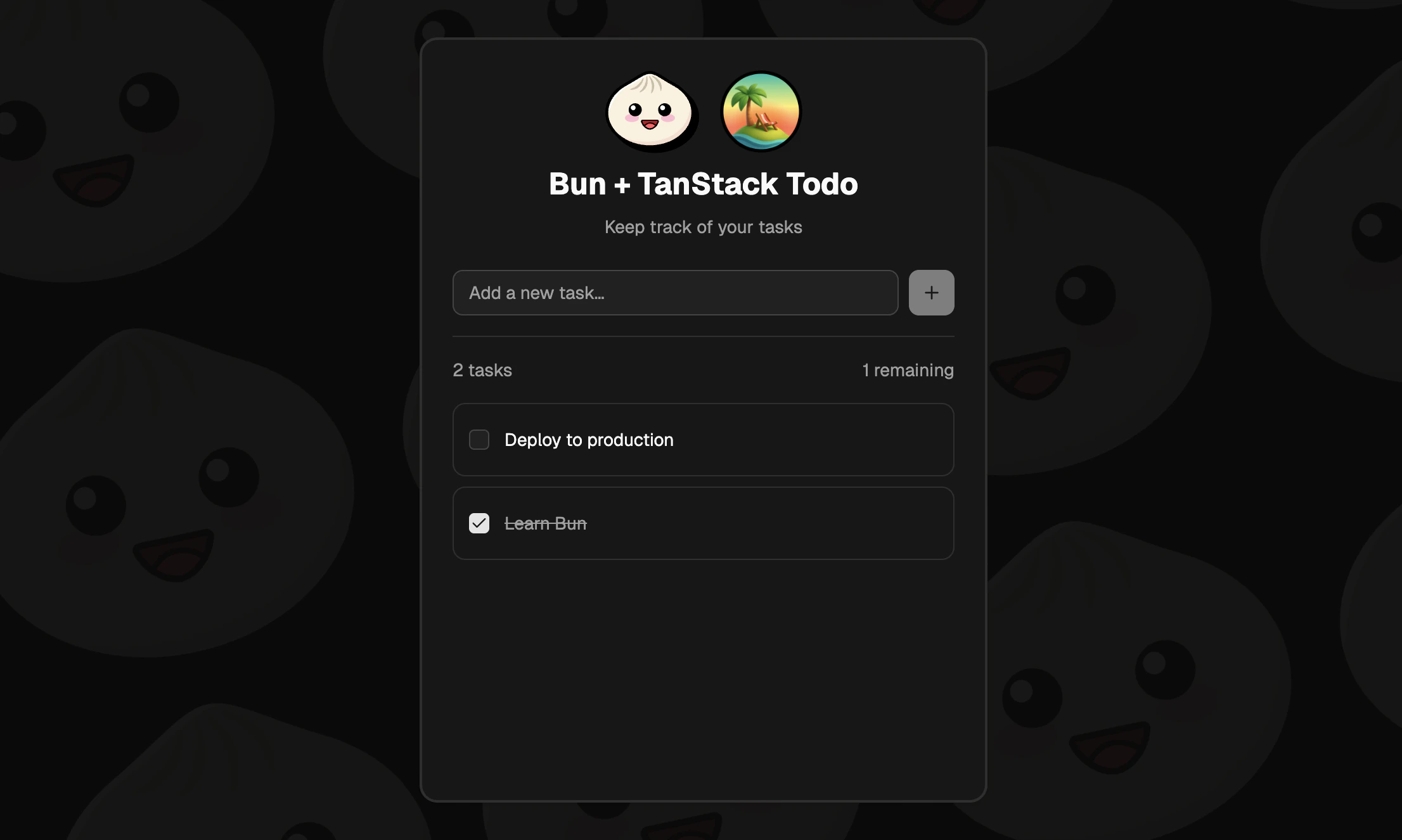
Todo App with Tanstack + Bun
A Todo application built with Bun, TanStack Start, and PostgreSQL.
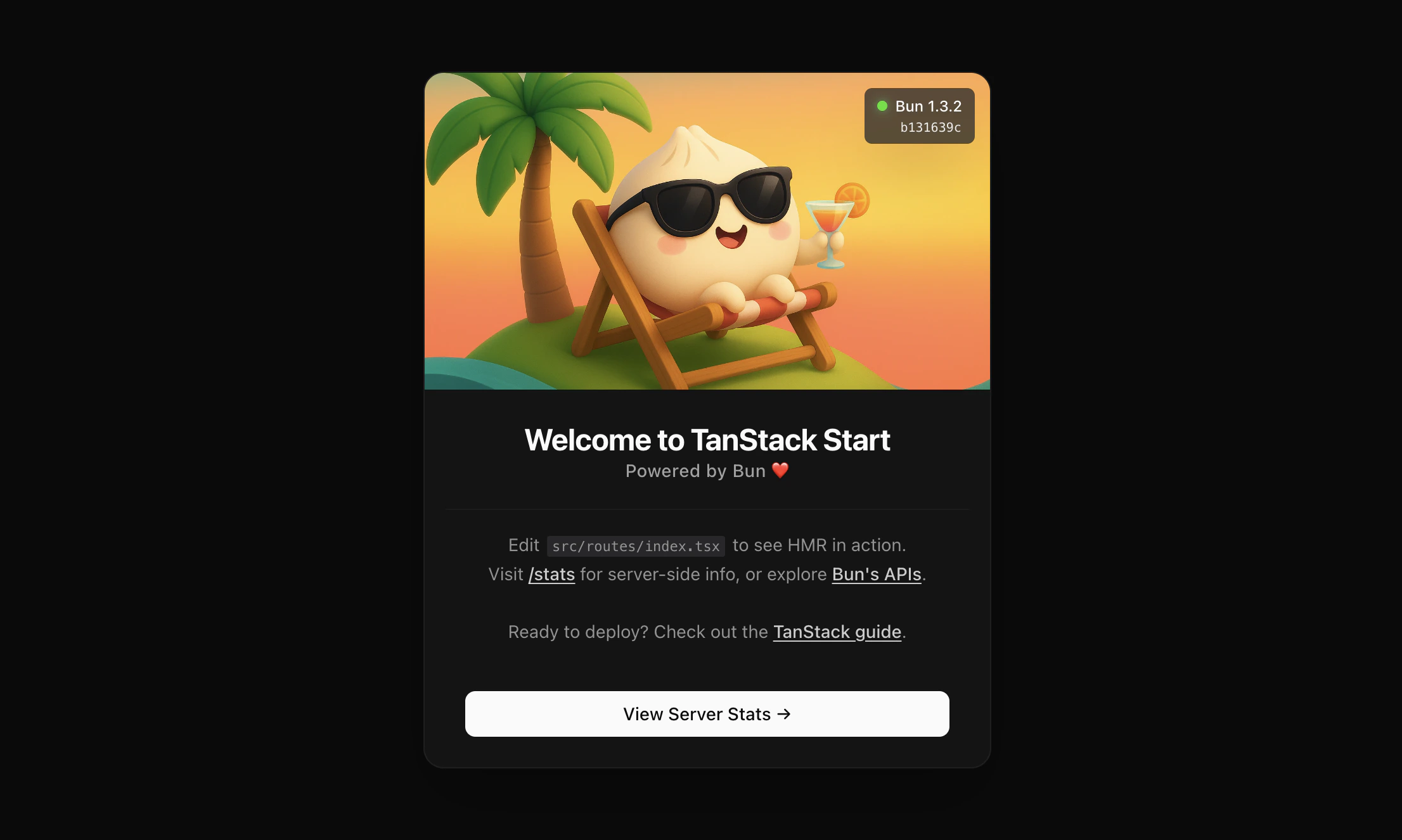
Bun + TanStack Start Application
A TanStack Start template using Bun with SSR and file-based routing.
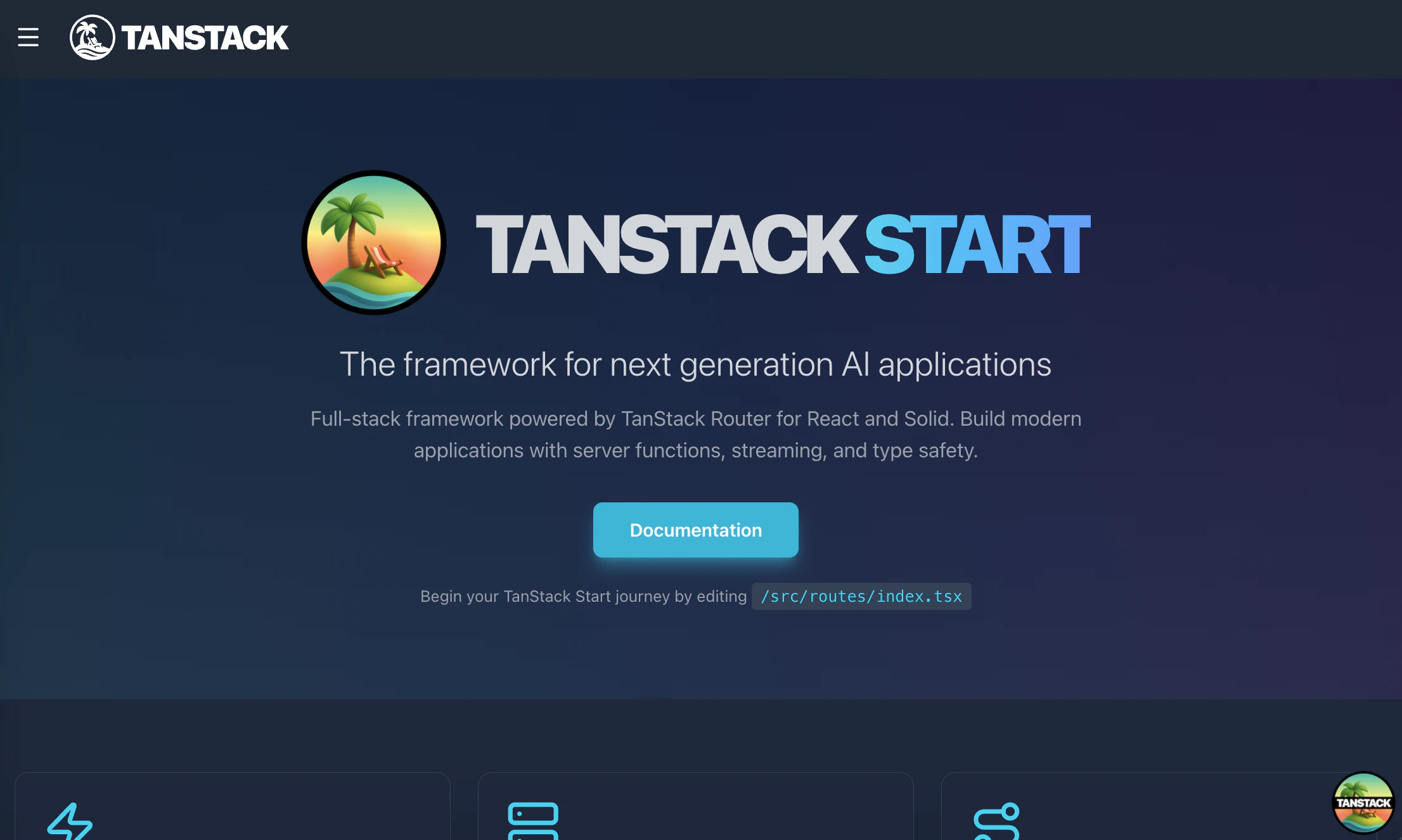
Basic Bun + Tanstack Starter
The basic TanStack starter using the Bun runtime and Bun’s file APIs.
→ See TanStack Start’s official documentation for more information on hosting.